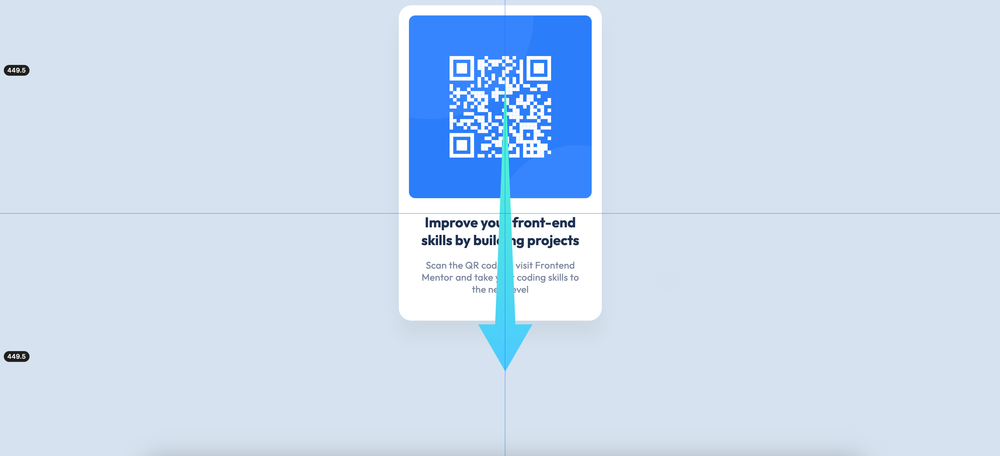
Vertical Centering
Introduction
In this article, we will focus on these properties:
block-size: 100vb;
align-content: center;
The problem
We must center our main element as vertical for this challenge.
The solution
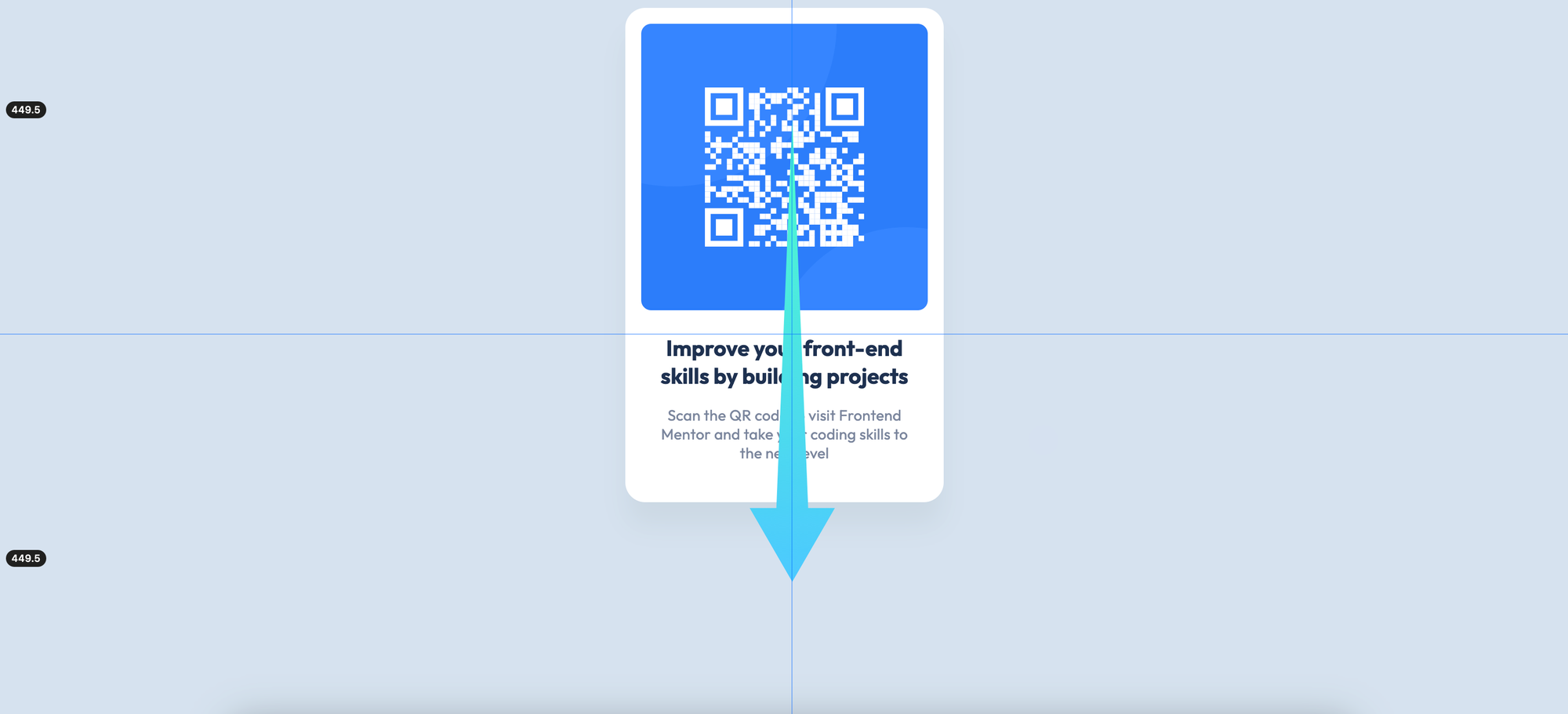
We can use this rule set to center the main element vertically in the containing block:
<body>
	<main>
		<!-- The project code -->
	</main>
</body>
body {
block-size: 100vb;
align-content: center;
}Note that there are some differences from horizontal centering. We do not give this rule set element itself. We give it to the containing block, which is the body element.
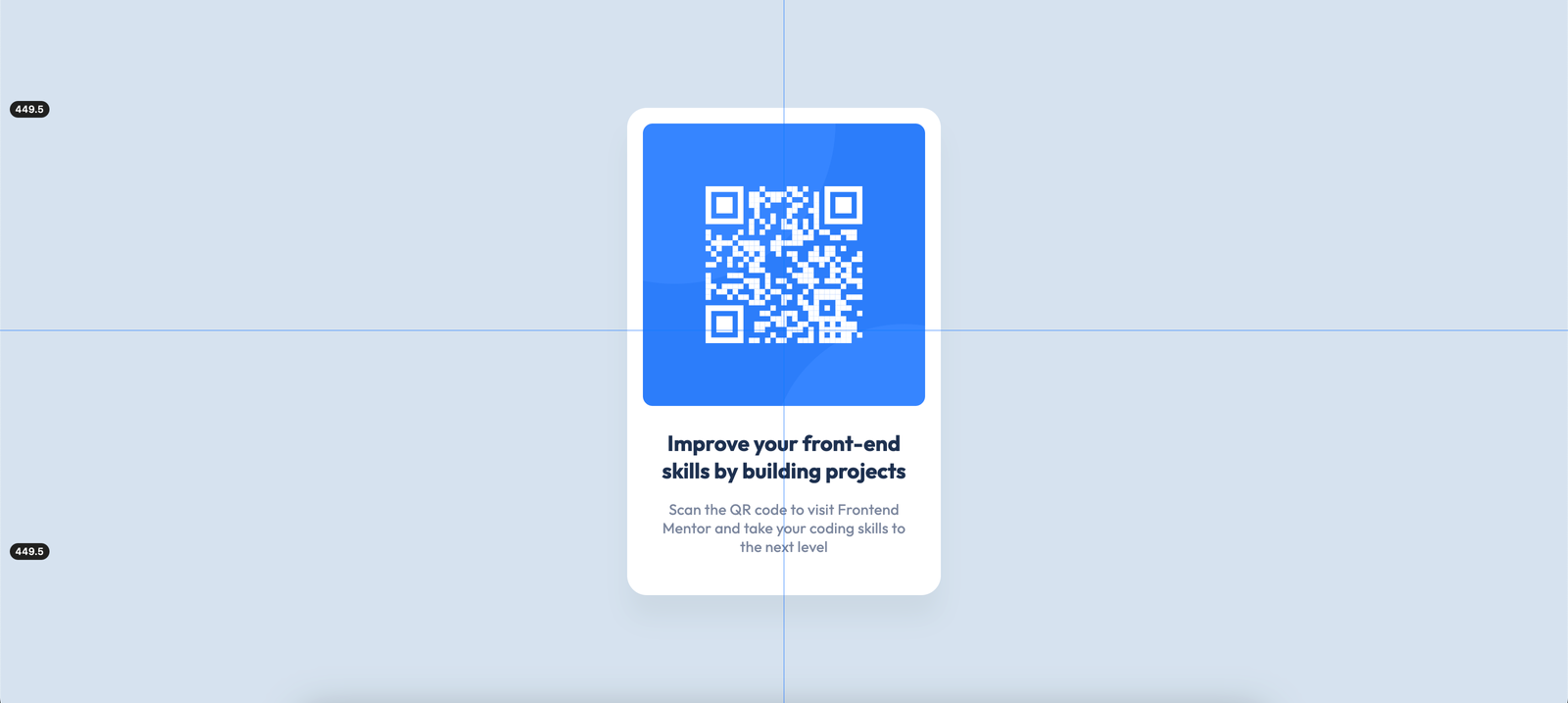
The body element will have 100% of the viewport's block axis, and align-content: center; will vertically center the main element within the body.
Questions
1 - Why just align-content: center; doesn't work?
align-content: center; is the newest feature, it behaves the part of display: grid; without writing it. It centers the main within the body, but there should be some extra space inside of the body. If we don't use block-size: 100vb;, there will be no extra space, and align-content: center; will make no difference.
2 - I use block-size: 100%; and it doesn't work, why?
If we write body {block-size: 100%} it doesn't work, because the percentage length unit should refer to the absolute length unit. At some point its containing block or grandparent element should have an absolute block-size value. If it doesn't have it, the percentage length unit doesn't work. Except for the root element, which is html. It is the root element, and it doesn't have to refer to the absolute length unit.
3 - There are many different length units, which one should I choose?
We can start simple, after understanding some basic logic behind these units, we can choose different types of units. To keep it simple, it is okay to start with the vb unit.
4 - Can I use display: flex; or display: grid; to center an element vertically?
display: flex; or display: grid; properties are not suitable styles for simply centering an element vertically. They have some complex rules we should know. Using simple properties for simple tasks is a better choice.
5 - Can I use height: 100vh; instead of block-size: 100vb; ?
height: 100vh; refers to the physical directions of elements. block-size: 100vb; refers to the logical directions. For more modern websites and products, we can use the latest features.